| Home office lighting requires three sources working together: ambient light for overall room coverage, task light directed at the work surface from the side, and bias light behind the monitor to reduce screen glare. The ideal setup uses 2700K to 3000K color temperature at 300 to 500 lux on the desk surface. This combination reduces eye strain during long work sessions and supports sustained concentration. |
Why Your Home Office Lighting Is Probably Wrong
Most home offices start as a spare bedroom, a basement corner, or half of a dining room. The lighting in those spaces was designed for sleeping, storage, or eating. Not for eight hours of concentrated screen work.
The American Optometric Association reports that 65% of remote workers experience digital eye strain. The primary cause is not the screen itself. It is the contrast between a bright monitor and a dim room. When the screen is the brightest object in your field of vision, your pupils constantly adjust between the bright center and the dark periphery. That adjustment cycle every few seconds for hours produces fatigue, headaches, and blurred vision.
The fix is not complicated. You need light behind the monitor, light from the side, and general room light. Three sources. Each one solves a specific part of the eye strain equation.
The Three Source Home Office Lighting Setup
Source One: Bias Lighting Behind the Monitor
Bias lighting is the light source behind or beside your screen. Its job is to raise the ambient brightness around the monitor so your eyes do not have to bridge a gap between a bright screen and a dark wall.
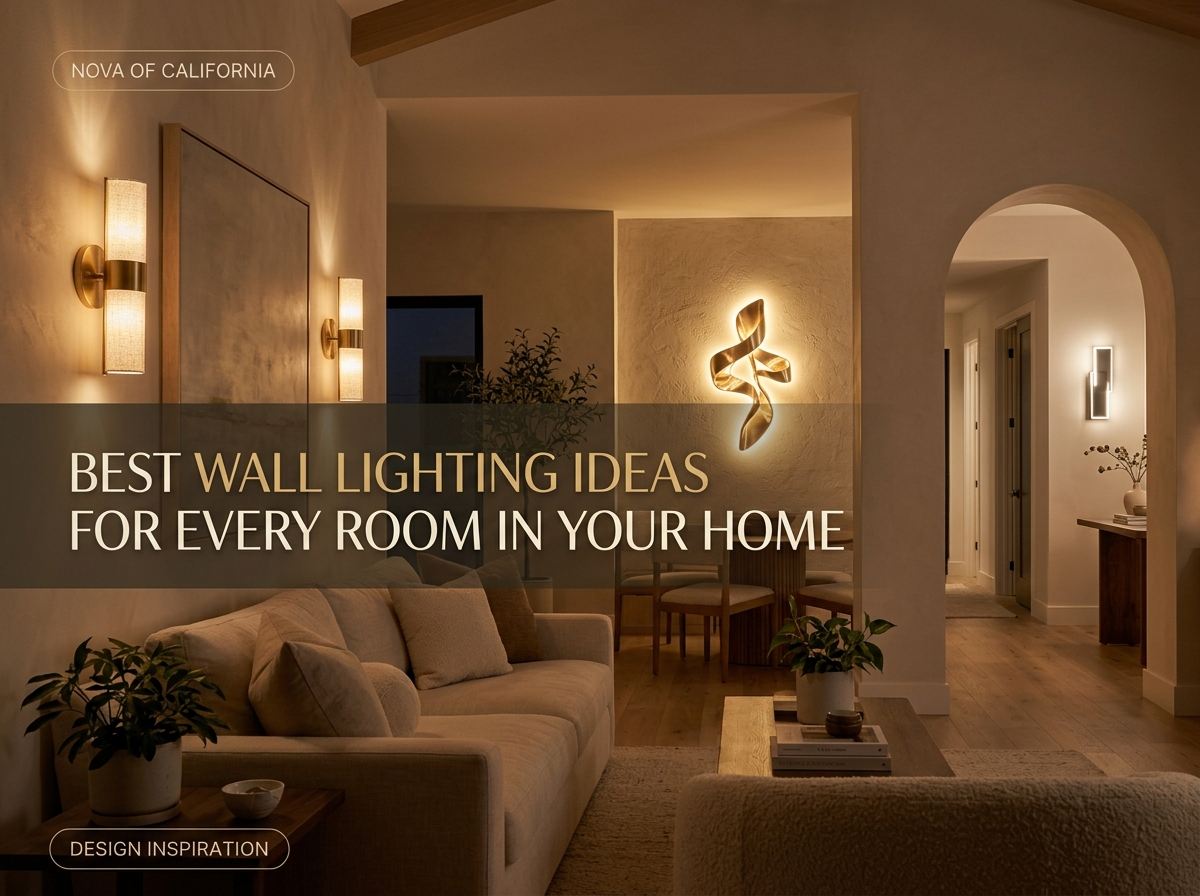
A wall sconce mounted on the wall behind the desk handles this elegantly. The Nova Petaluma Wall Sconce ($299) directs a wide spread of light across the wall. Position it 12 to 18 inches above the top edge of your monitor. The warm 2700K light fills the wall behind the screen without reflecting back into the display.
Source Two: Task Lighting from the Side
Task light illuminates your desk surface for paper work, note taking, and keyboard visibility. The critical rule: it must come from the side, not from above. Overhead light creates glare on screens and casts shadows from your hands onto the work surface.
Position the task light on the opposite side of your writing hand. If you are right handed, place it on the left. This prevents your hand from casting a shadow across what you are writing or reading.
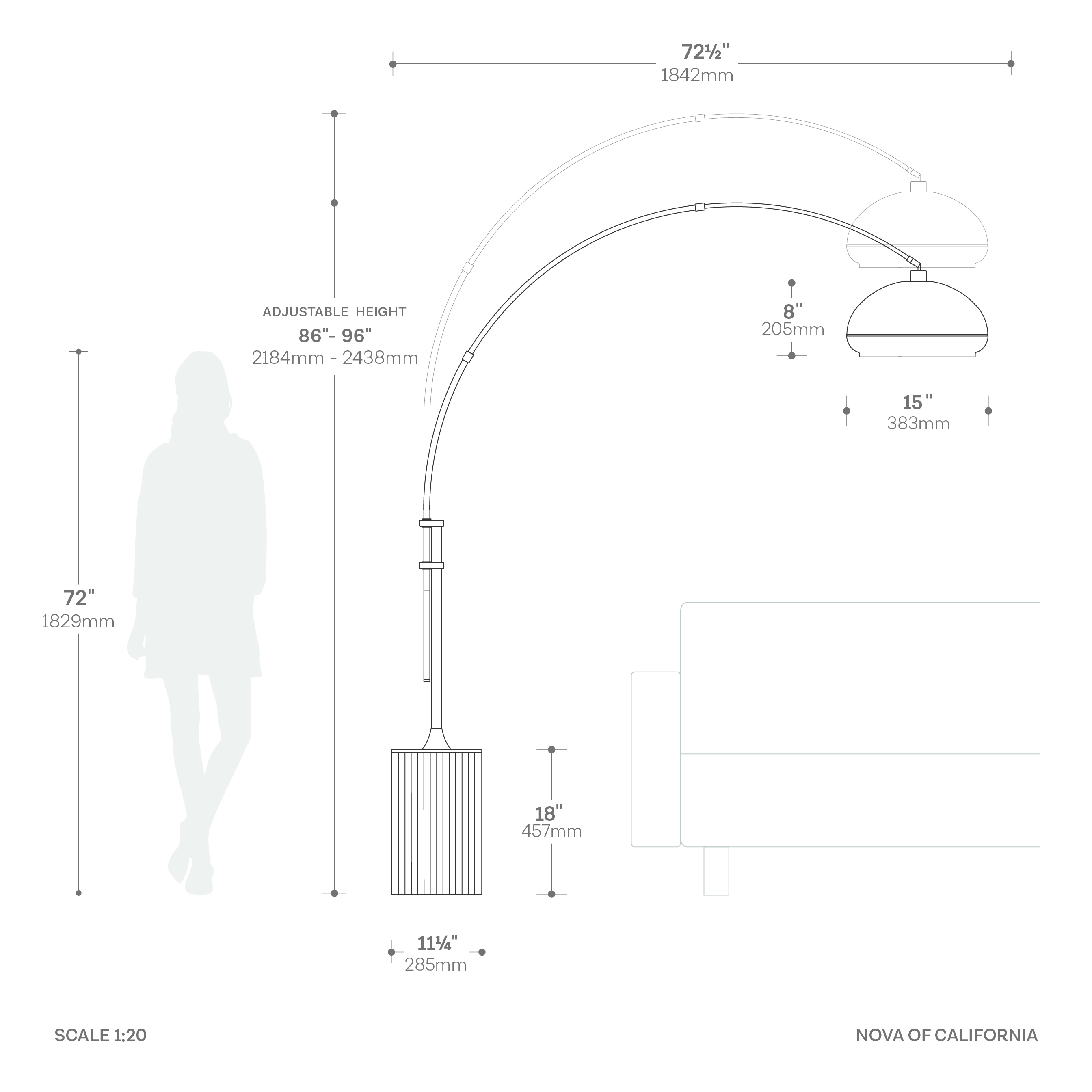
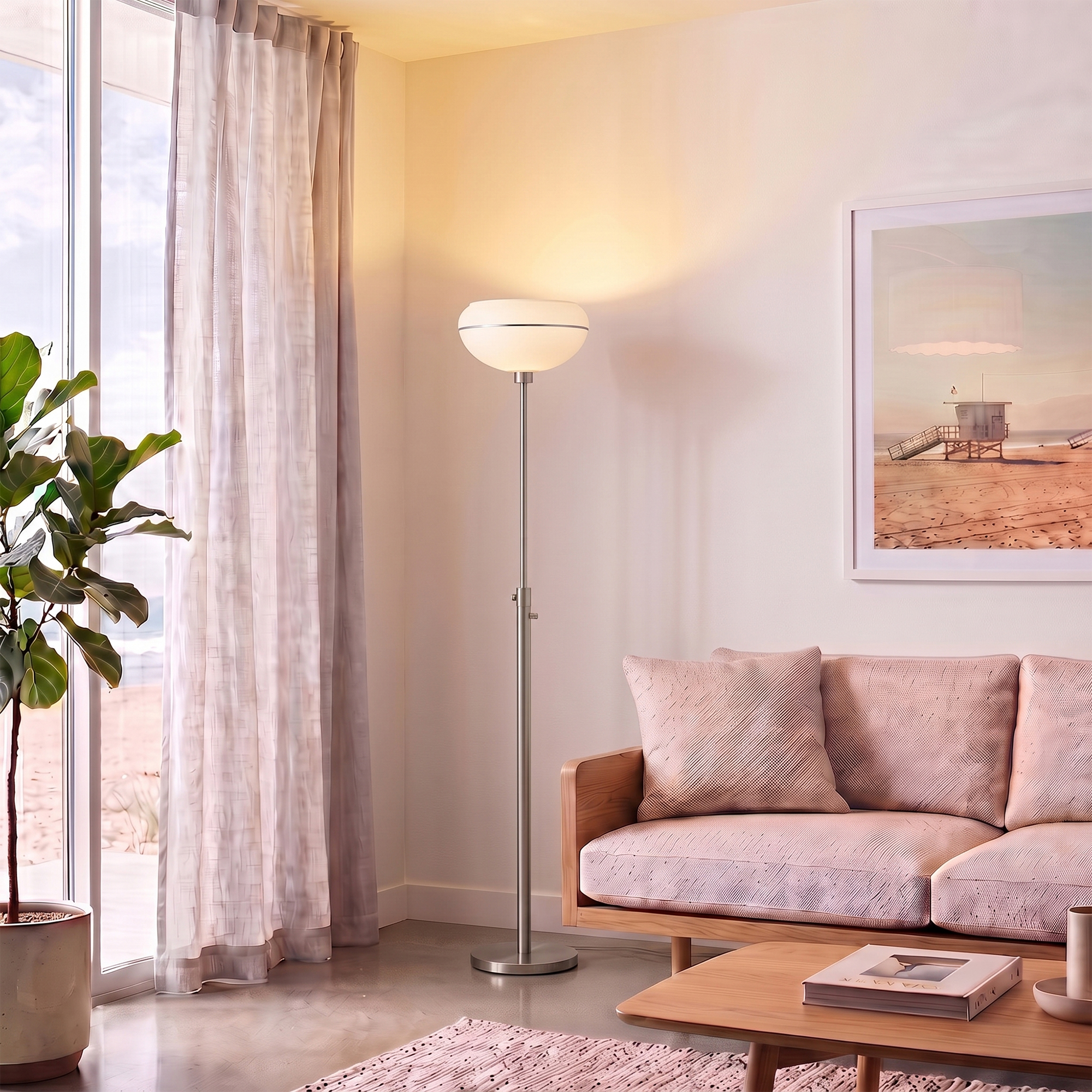
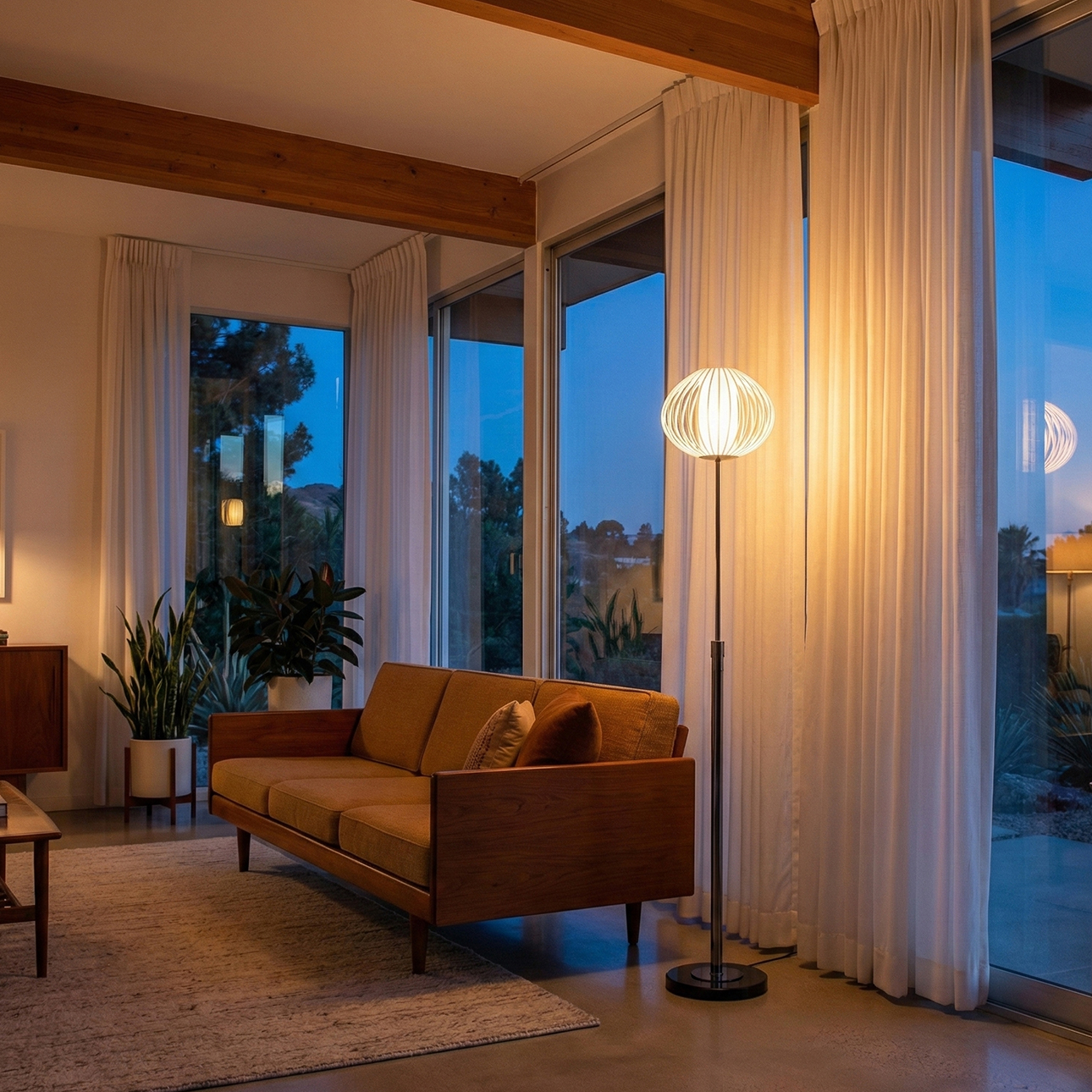
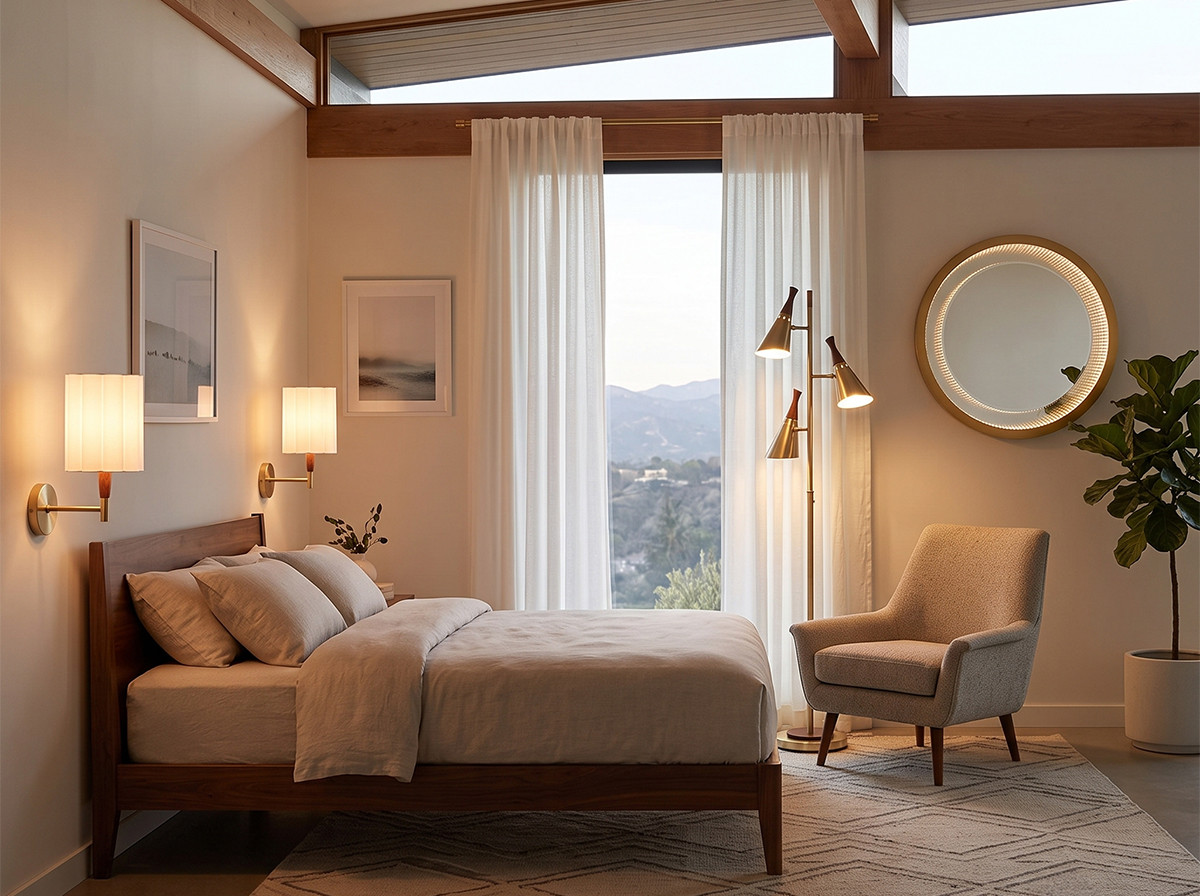
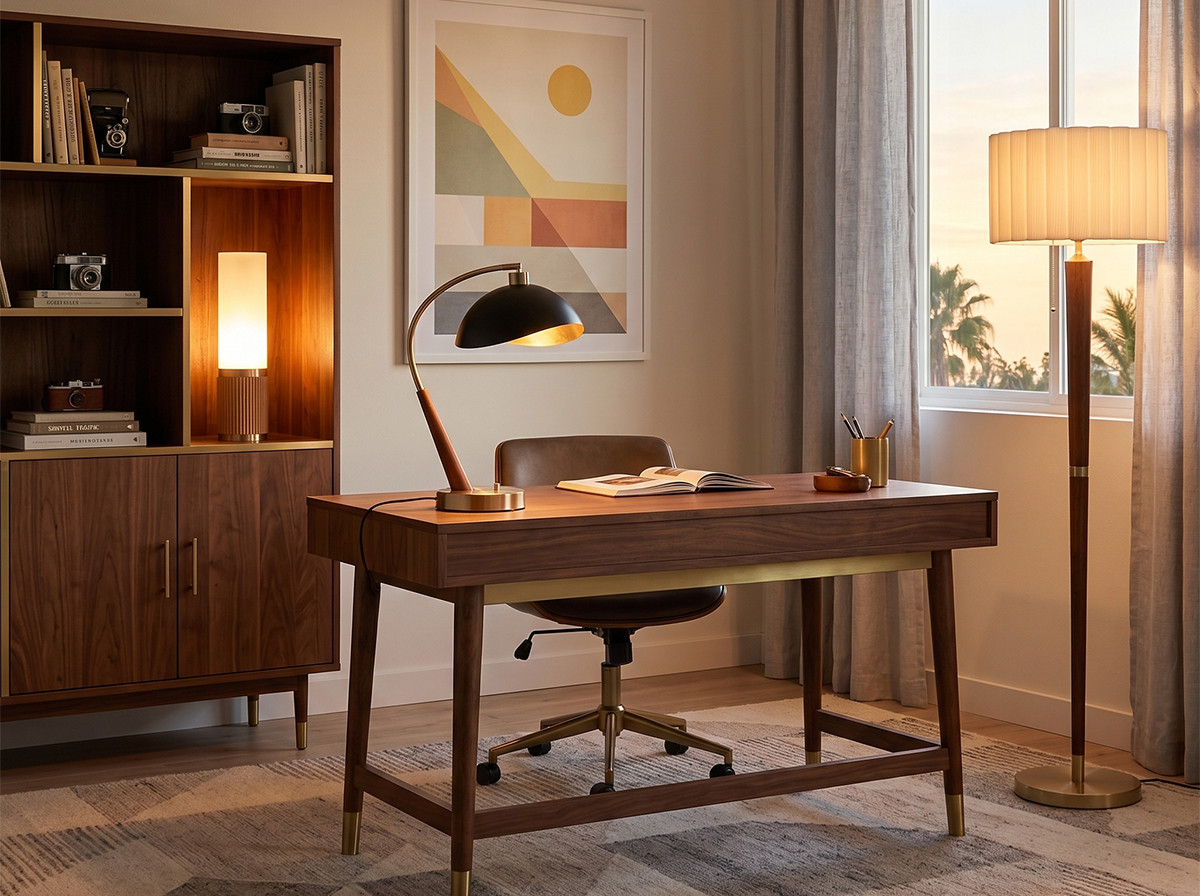
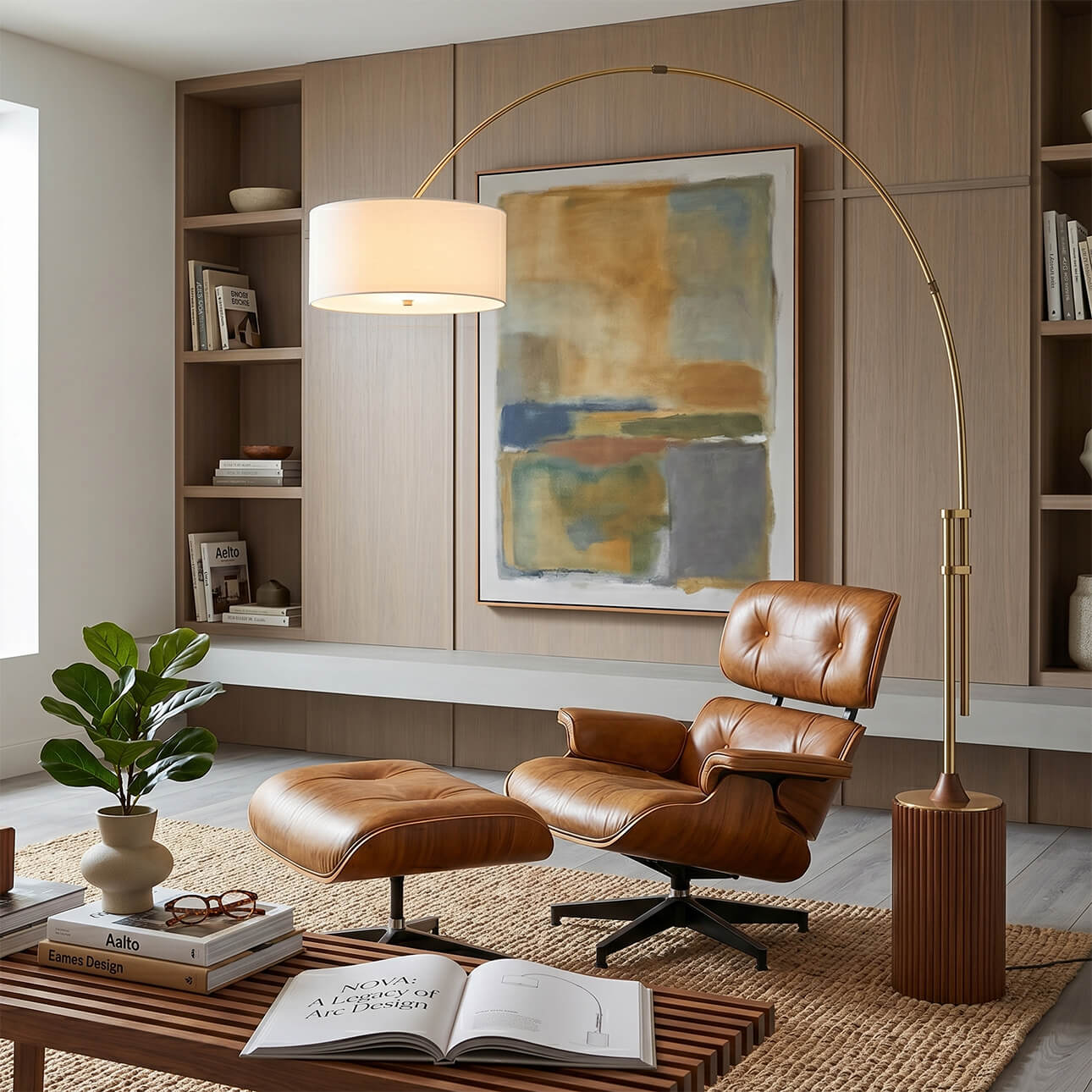
A slim floor lamp beside the desk works better than a desk lamp for two reasons. It does not consume desk space. And it produces light from a higher angle that covers more surface area. The Nova Obelisk ($699 at 63 inches) provides focused downlight in a footprint under 10 inches. The Stretch Chairside Arc Floor Lamp extends over the desk from behind the chair and delivers overhead task light without a ceiling fixture.
Source Three: Ambient Room Lighting
Ambient light fills the room beyond the desk area. Without it, the periphery of your vision drops to darkness. That peripheral darkness is what triggers the eye strain cycle.
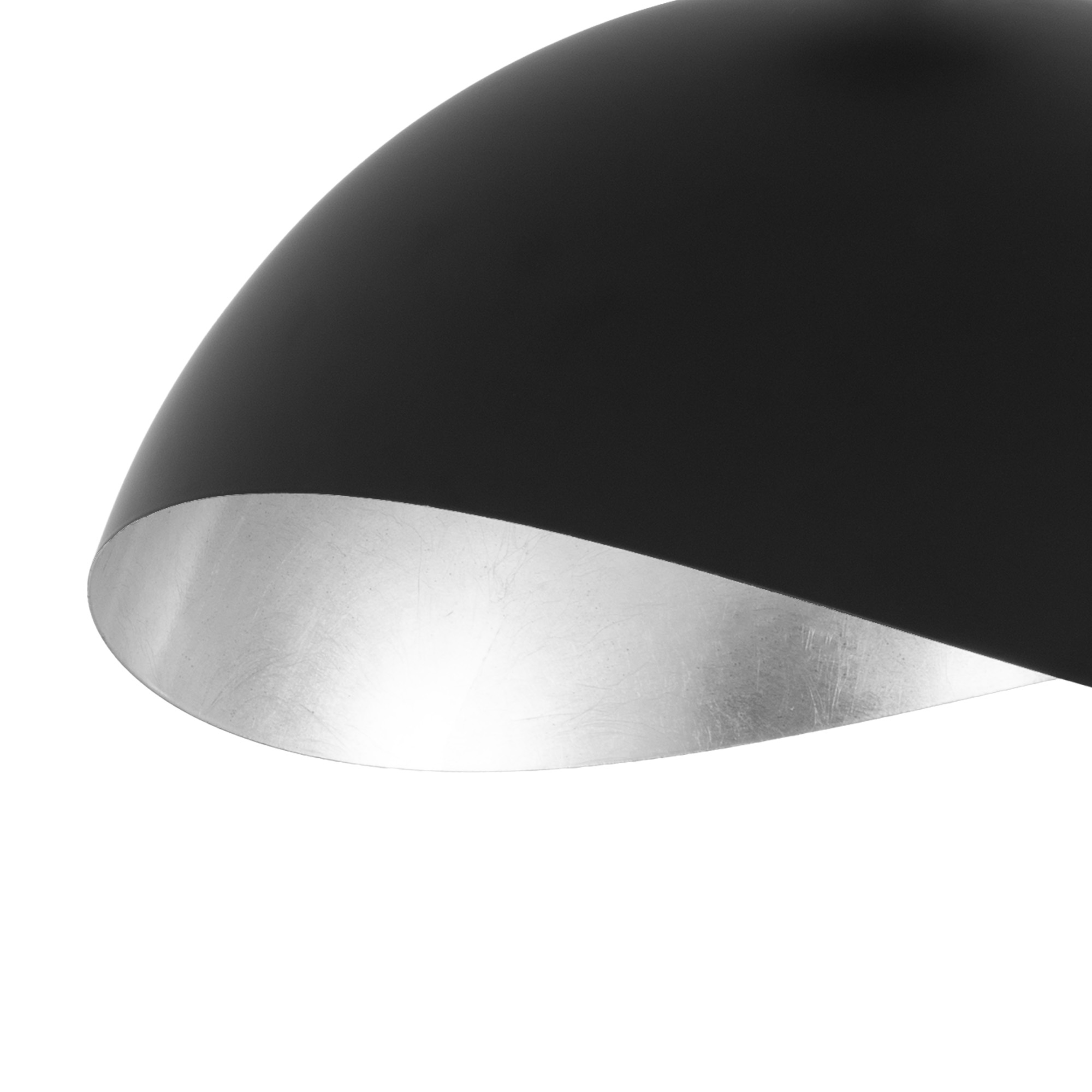
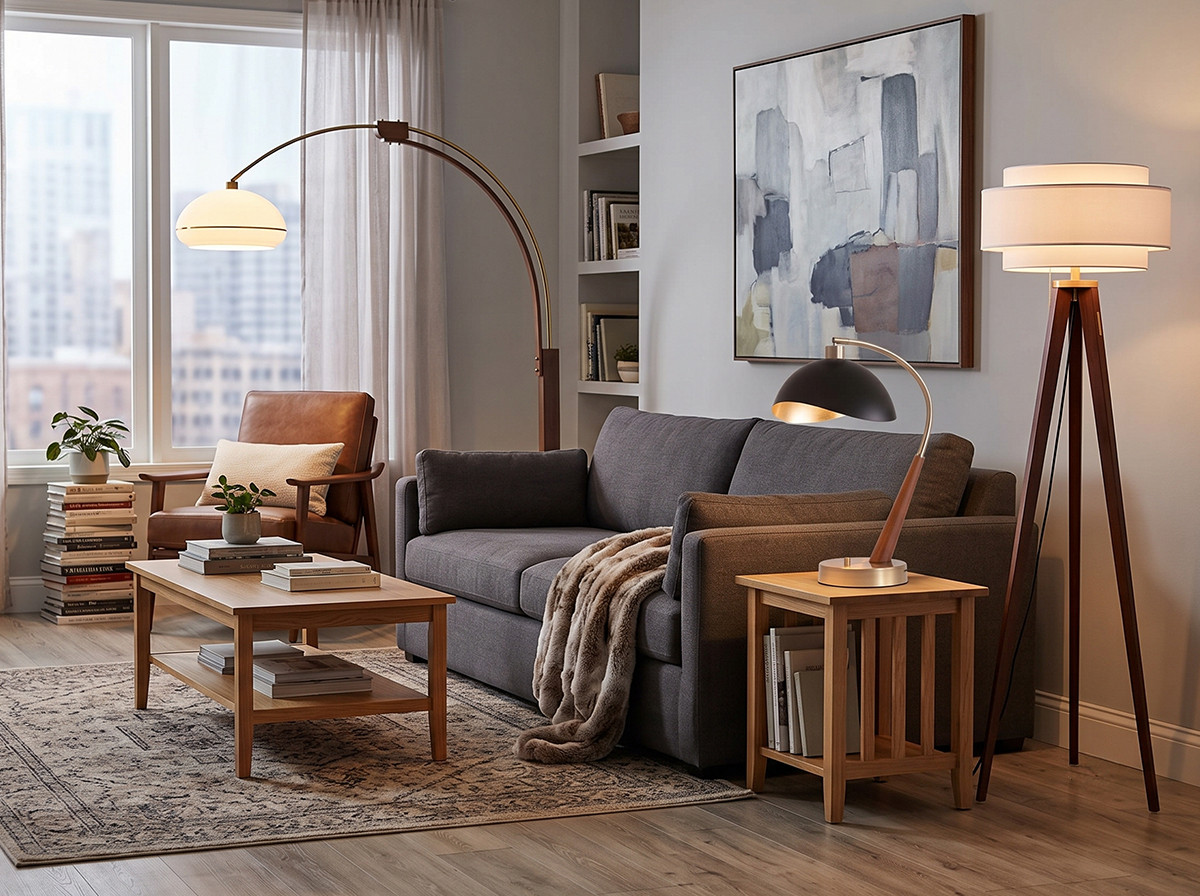
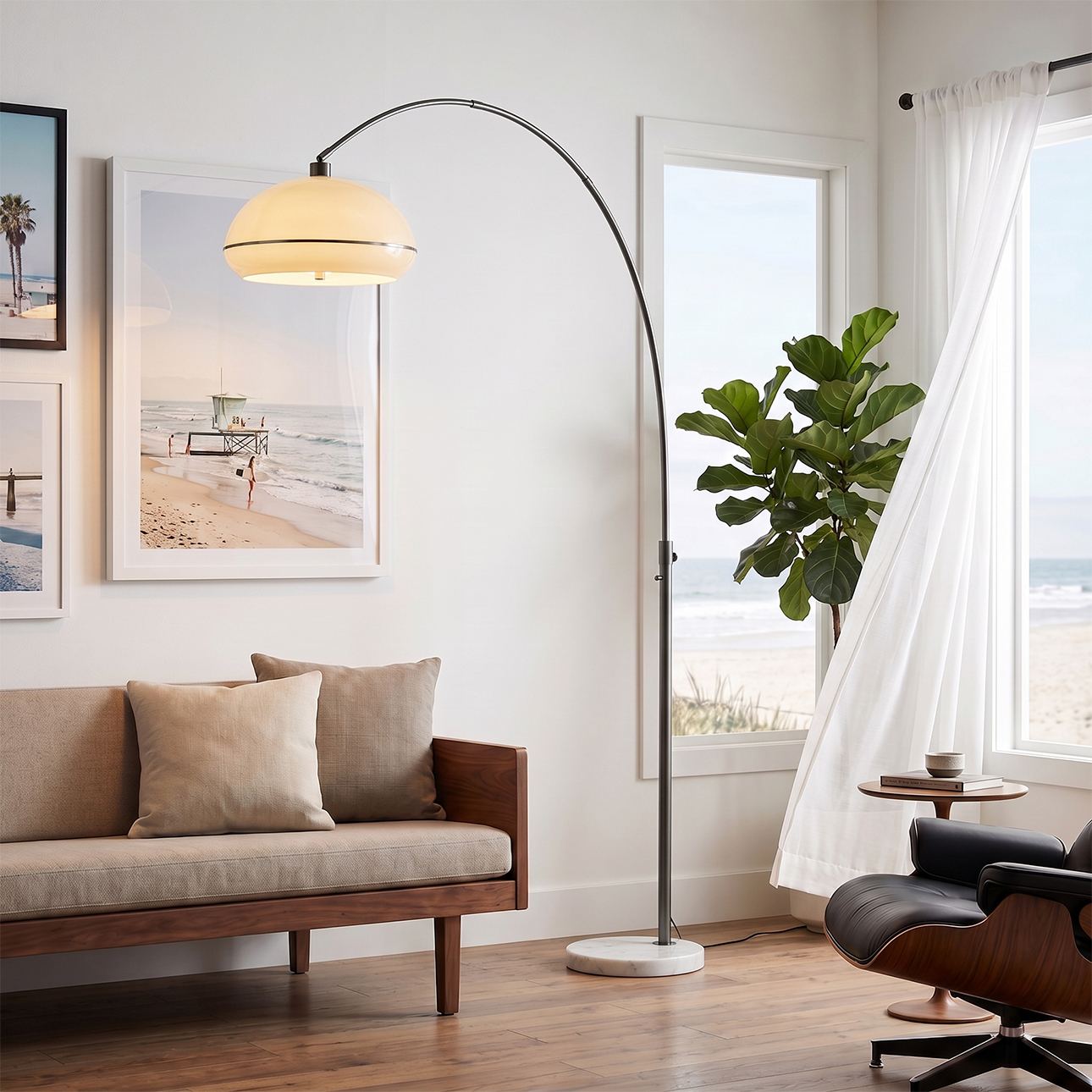
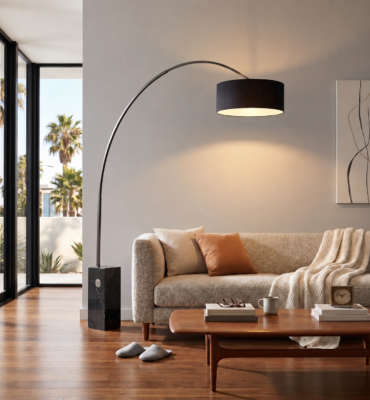
An arc floor lamp in the far corner of the room handles ambient duty. It bounces light off the ceiling and walls. The Nova Luna Bella Arc Floor Lamp ($799) has a dome shade that directs light both upward and downward. One fixture fills a 200 square foot room with comfortable ambient coverage.
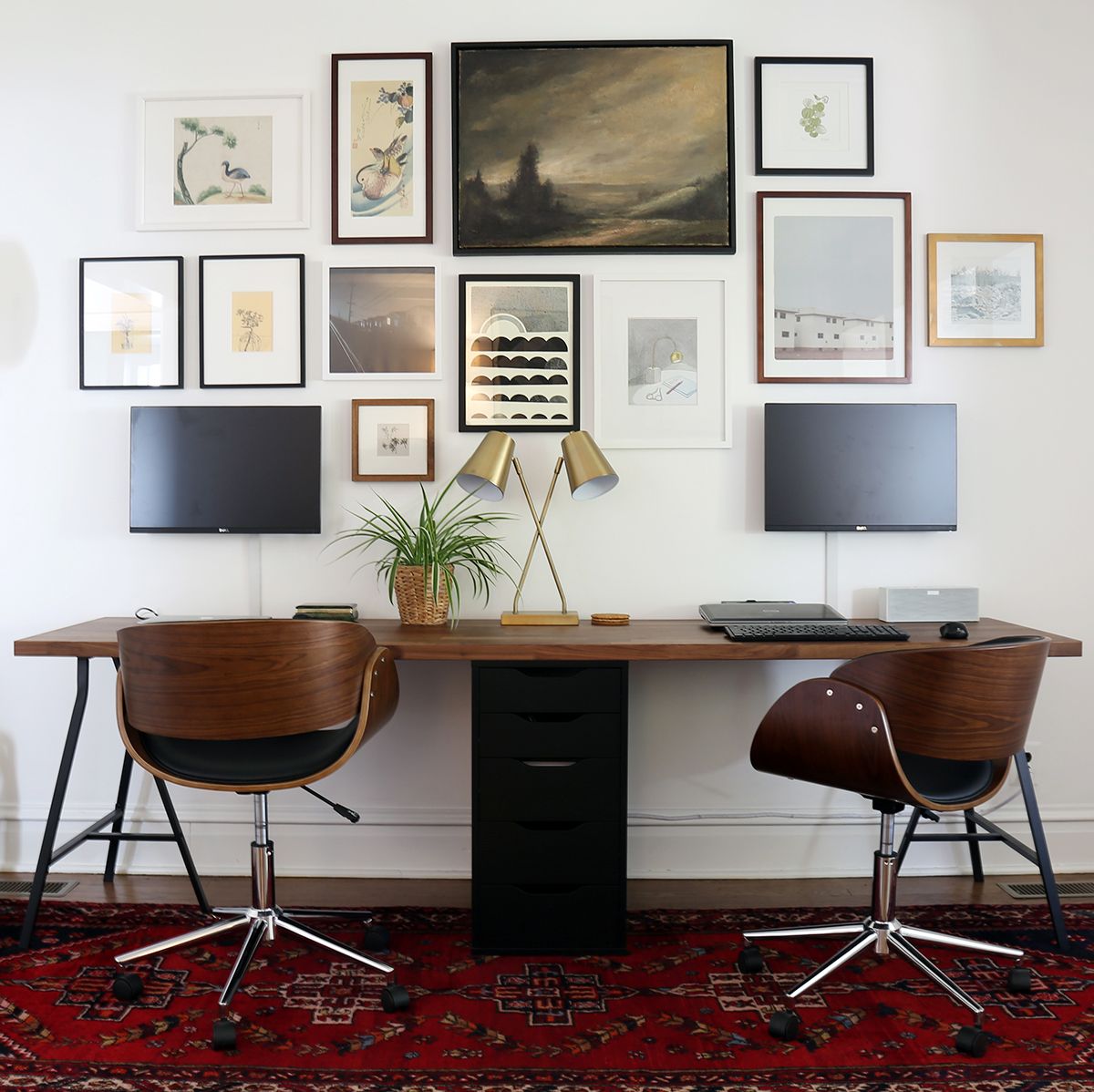
Natural Light: Your Best Free Resource
Position your desk perpendicular to the window. Not facing it. Not with your back to it. Perpendicular.
Facing a window creates glare as the sun moves through the day. Your back to a window throws light directly onto the screen and washes out the display. A perpendicular setup lets natural light enter from the side. It illuminates the desk surface naturally during daylight hours and eliminates the screen wash problem.
According to a Cornell University study led by Dr. Alan Hedge, workers in offices with optimized natural light reported 51% less eye strain, 63% fewer headaches, and a 56% reduction in drowsiness compared to those in artificially lit offices. You cannot replicate daylight with fixtures. But you can position your desk to capture as much of it as possible during working hours.
Video Call Lighting That Looks Professional
Remote work means video calls. And video calls expose every lighting mistake in a room. A ceiling light directly above casts raccoon shadows under the eyes. A window behind you turns you into a silhouette. A desk lamp at chin level makes you look like you are telling a horror story.
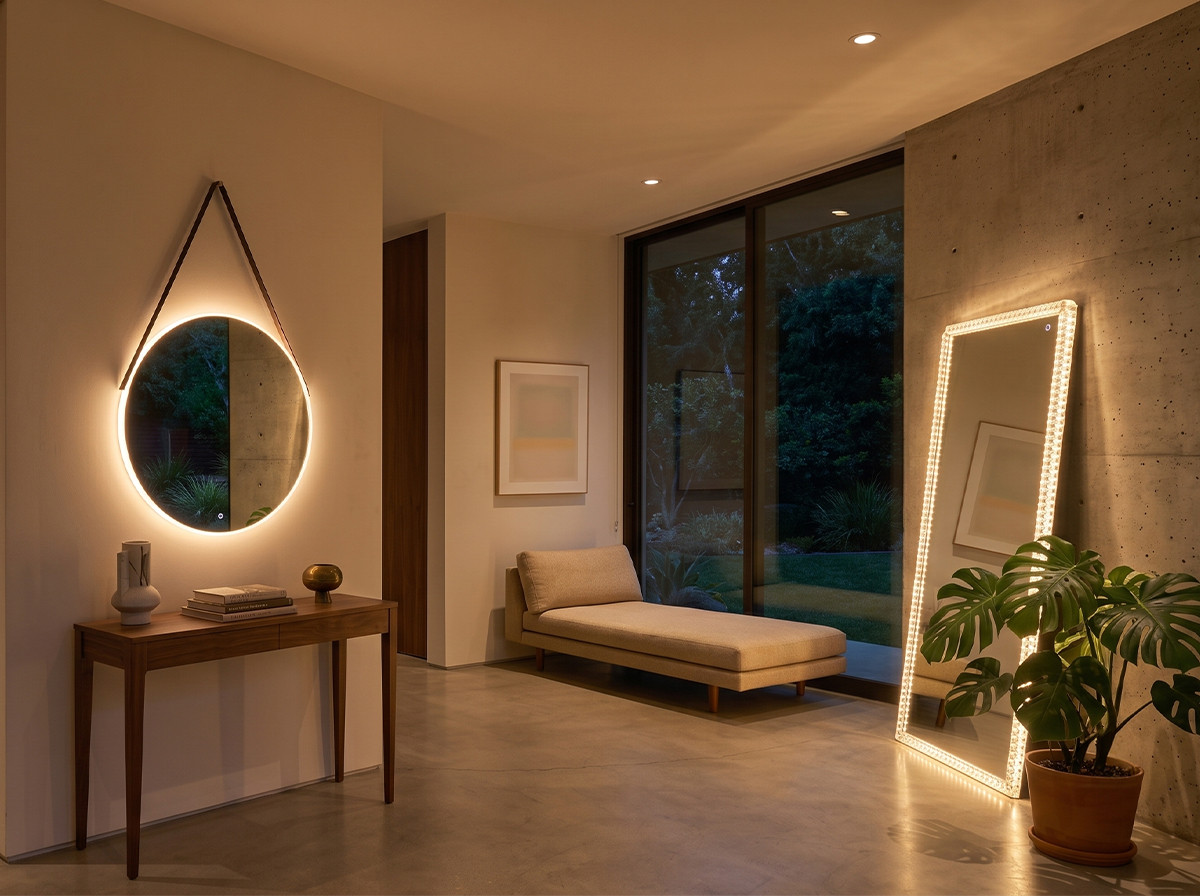
The solution is front facing diffused light at eye level. An LED mirror mounted on the wall behind your camera produces exactly this. The Nova Super Star Round LED Mirror ($499) delivers 1,500 lumens of front facing light with a CRI of 95 or higher. That is studio quality face lighting from a single fixture that doubles as a design element when the camera is off.
Choosing the Right Color Temperature for Focus
Productivity research points to a specific range. 2700K to 3000K for sustained concentration work. 4000K for short bursts of detail oriented tasks like accounting or proofreading. Above 5000K mimics daylight and is best reserved for studios and medical offices.
Nova fixtures use 14W E26 LED bulbs at 2700K with a CRI of 95 or higher. That warm white setting reduces cognitive fatigue during long work sessions. If you occasionally need brighter, cooler light for detail work, swap in a 4000K bulb for that task lamp only. Keep the ambient and bias lights at 2700K.
Consistency matters more than intensity. Three fixtures at 2700K producing 800 lumens each create a more comfortable environment than one fixture at 4000K producing 2,400 lumens. Distributed light at a consistent temperature eliminates the hot spots and dark zones that force your eyes to continuously adapt.
Small Home Office Solutions
Not every home office gets its own room. Closet offices, kitchen nook desks, and living room corners all need the same three source approach scaled down.
For tight spaces, wall mounted fixtures save every inch of floor and desk area. A single Nova Culver Wall Sconce ($399) behind the monitor handles bias lighting. A Pearson Table Lamp on the desk provides task light in a compact footprint. And the room’s existing overhead or floor lamp covers ambient duty.
The total footprint of that setup is one wall mount and one small table lamp. It covers all three lighting needs without adding any floor standing fixtures to an already tight space.
Frequently Asked Questions About Home Office Lighting
What is the best lighting for a home office?
The best home office lighting combines three sources: bias light behind the monitor, task light from the side of the desk, and ambient room lighting. All three should use 2700K to 3000K color temperature LEDs with a CRI of 90 or higher.
How bright should a home office be?
The desk surface should receive 300 to 500 lux of illumination. This is roughly equivalent to three LED fixtures producing 800 to 1,500 lumens each, distributed across the room. The key is even distribution rather than total brightness.
Should I use warm or cool light in my office?
Warm light (2700K to 3000K) is better for sustained concentration and long work sessions. Cool light (4000K to 5000K) can boost alertness for short detail oriented tasks. For most remote workers, warm light across all fixtures with an optional cool task lamp is the ideal combination.
Where should I place a lamp in my home office?
Place a floor lamp or desk lamp on the opposite side of your dominant hand to prevent hand shadows on your work. Position bias lighting behind or beside the monitor, 12 to 18 inches above the screen’s top edge. Ambient floor lamps work best in the far corner of the room.